Your meter,
right in your pocket.
Check your balance, recharge electricity, water and gas, and keep every receipt in one simple app.
Free on iPhone, Android and Huawei.
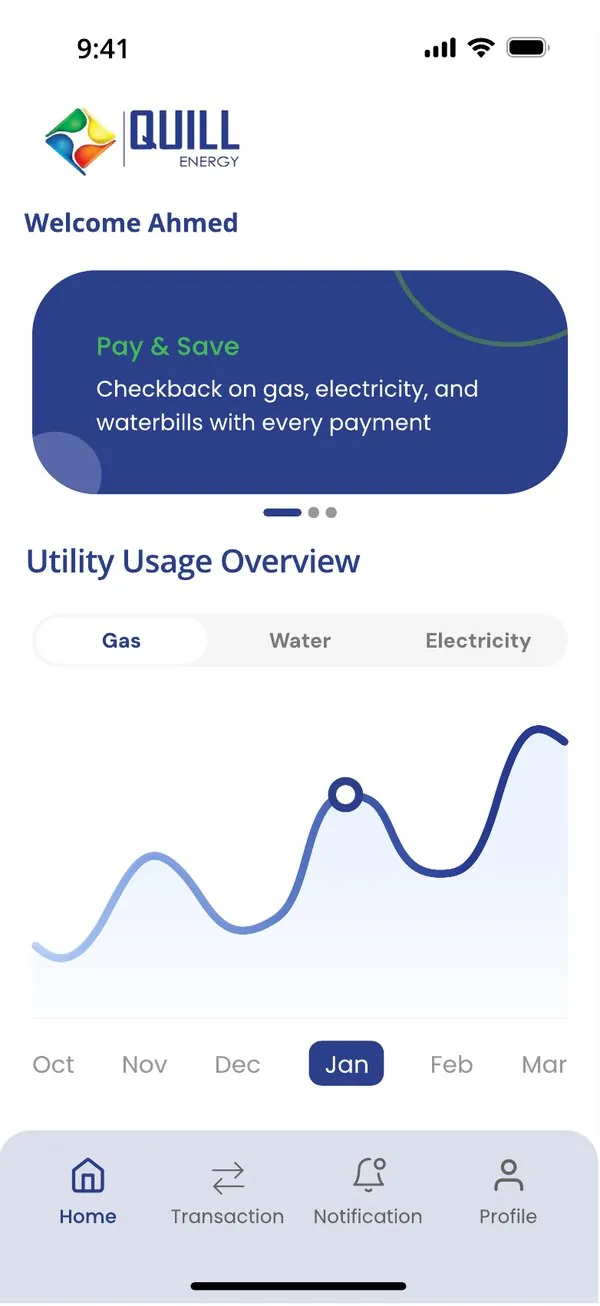
One app for all your utilities
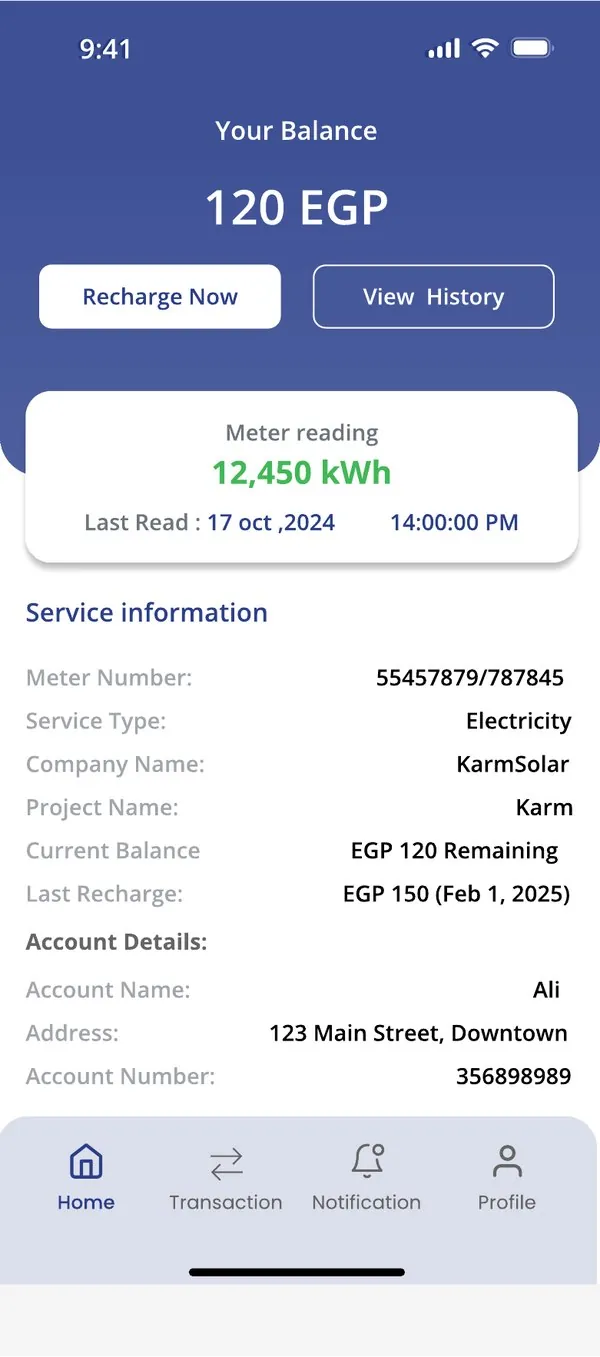
Know your balance at a glance
See your remaining credit and your latest meter reading the moment you open the app, without going to the meter.
- Current balance and last recharge
- Latest meter reading with date and time
- Your meter and account details in one place
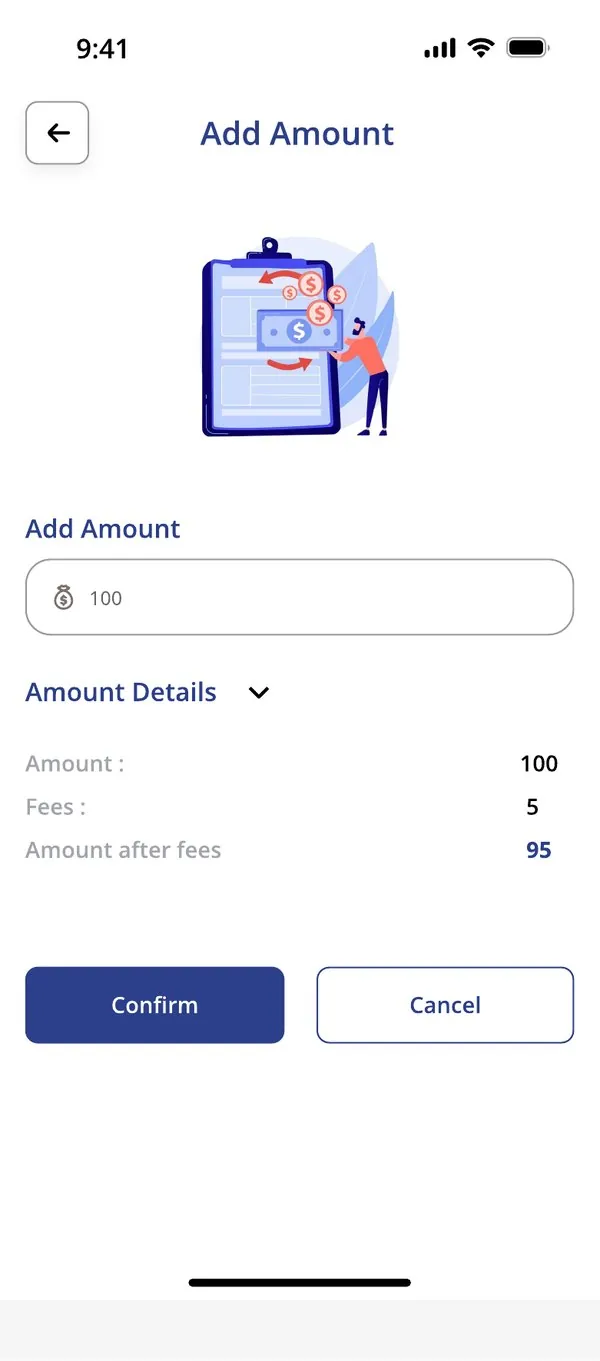
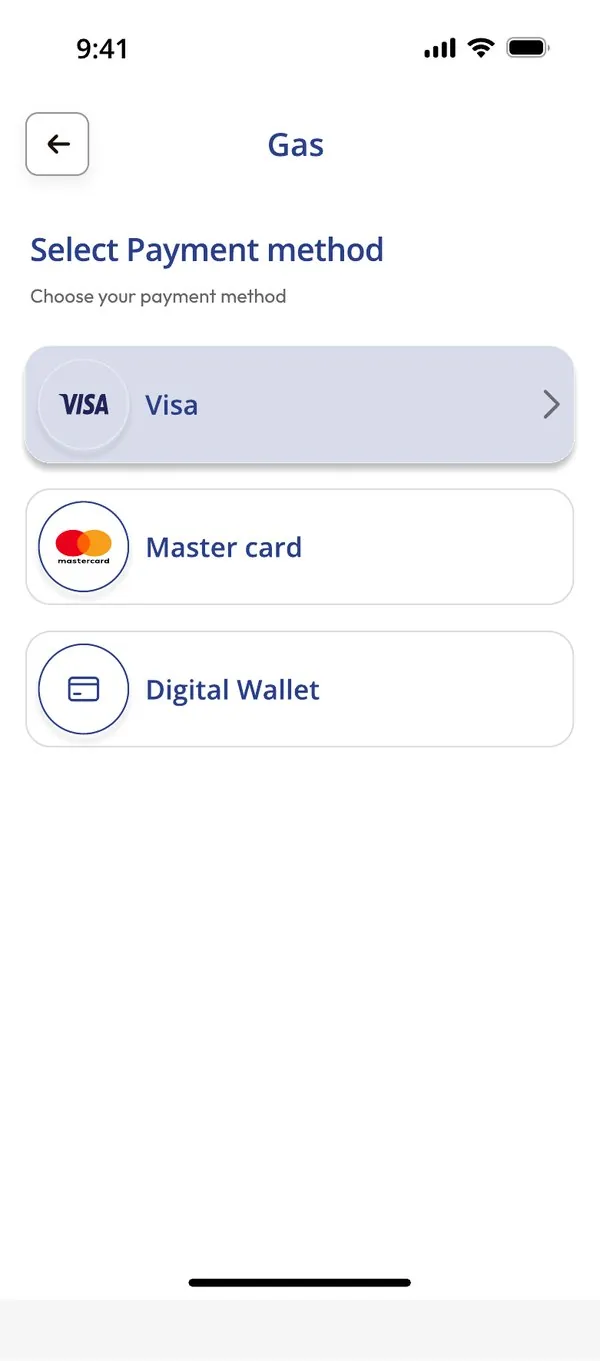
Recharge in a few taps, any time
Enter an amount, see the fees before you confirm, and pay by card or digital wallet. The credit reaches your meter immediately.
- Visa, Mastercard and digital wallets
- Clear breakdown of amount and fees
- Available day and night
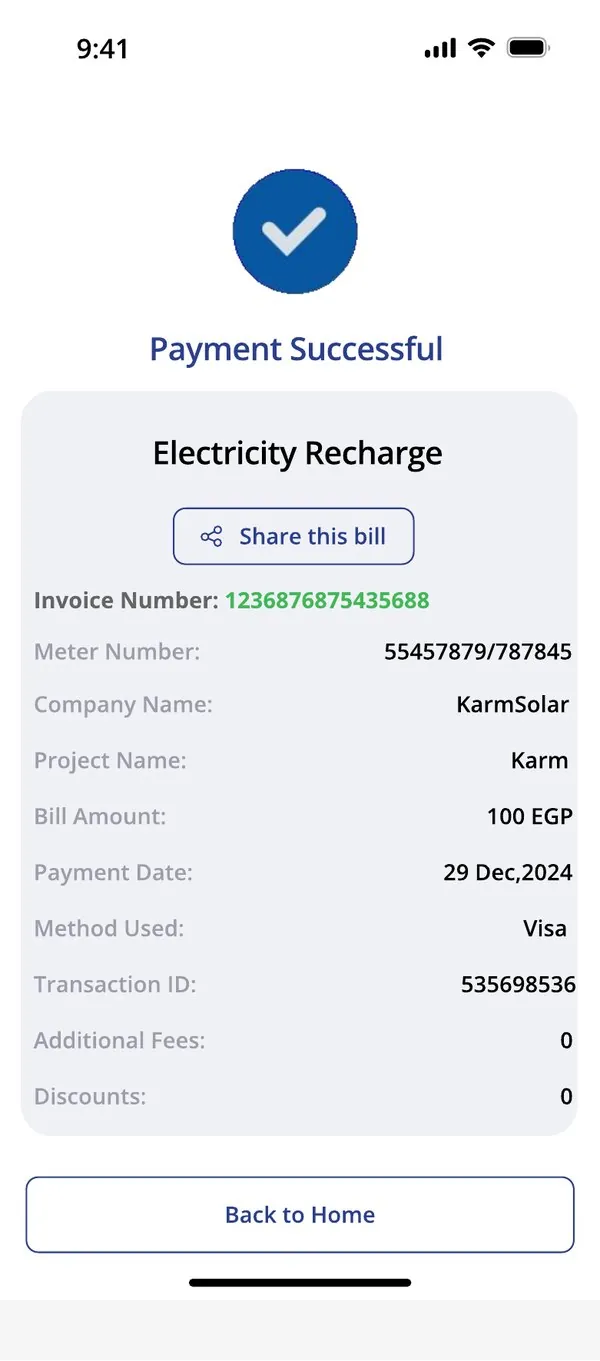
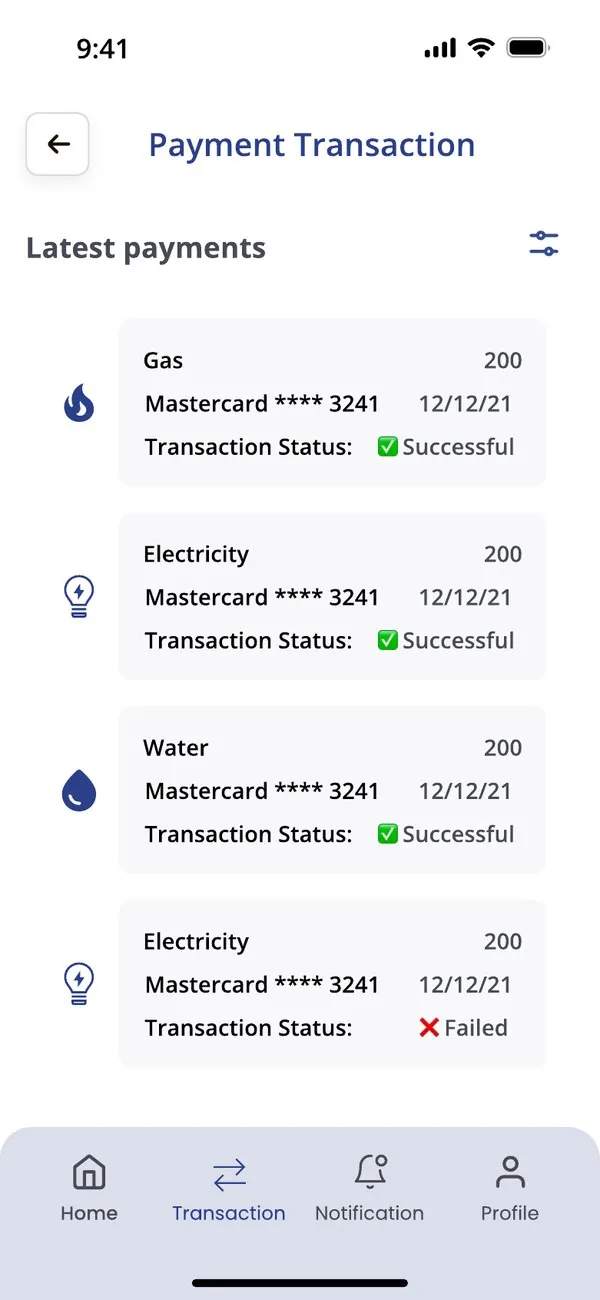
Every payment, on record
Each recharge comes with a digital receipt you can share. Filter your payment history by utility and date whenever you need it.
- Shareable receipts with invoice number
- Payment status for every transaction
- Filter by electricity, water or gas
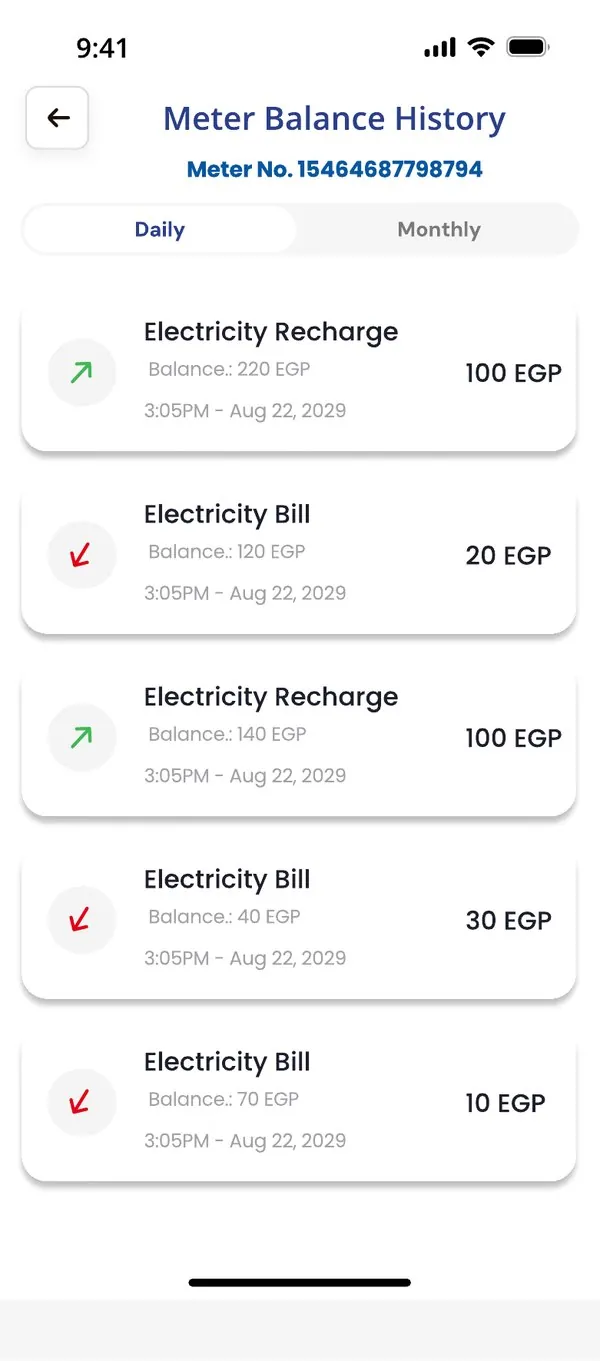
Understand how you use energy
Follow your consumption month by month and review every recharge and bill in your meter balance history, daily or monthly.
- Usage overview for gas, water and electricity
- Daily and monthly balance history
- Spot changes in consumption early
Get started in three steps
- Download the myQuill AppFree from the App Store, Google Play or AppGallery.
- Get your loginCollect your customer number and password from your nearest utility outlet or property management office.
- Sign in and rechargeLog in, then use fingerprint or face login next time for faster access.
Questions
Where do I get my username and password?
Your account is created by the utility that manages your meter. Ask at your nearest utility outlet or your property management office.
How quickly does my recharge reach the meter?
Payments are credited to your meter immediately after a successful transaction.
Which payment methods can I use?
Visa and Mastercard credit or debit cards, Meza cards, and digital wallets.
Can I manage more than one meter?
Yes. Each meter linked to your account appears in the app with its own balance and history.
Download the myQuill App today
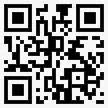
Scan the code or choose your store.